Follow up with a new lead every day
Prioritize someone so Avery brings them up every day (or every few days) for a week or more, then back to your regular rotation on its own.
A fresh lead usually needs more than one text. Prioritize them, and Avery puts them on your Tasks deck every day for as long as you choose. When that's over, they go back to your regular rotation on their own.
Prioritize someone
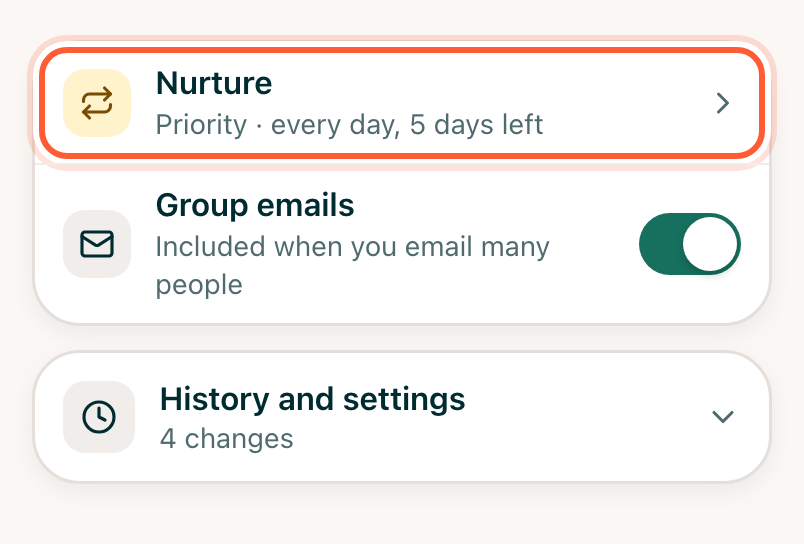
Open their page, scroll down and tap Nurture, just above History and settings.
Pick how often and for how long, like Every day for a week. Each choice shows the day it ends.
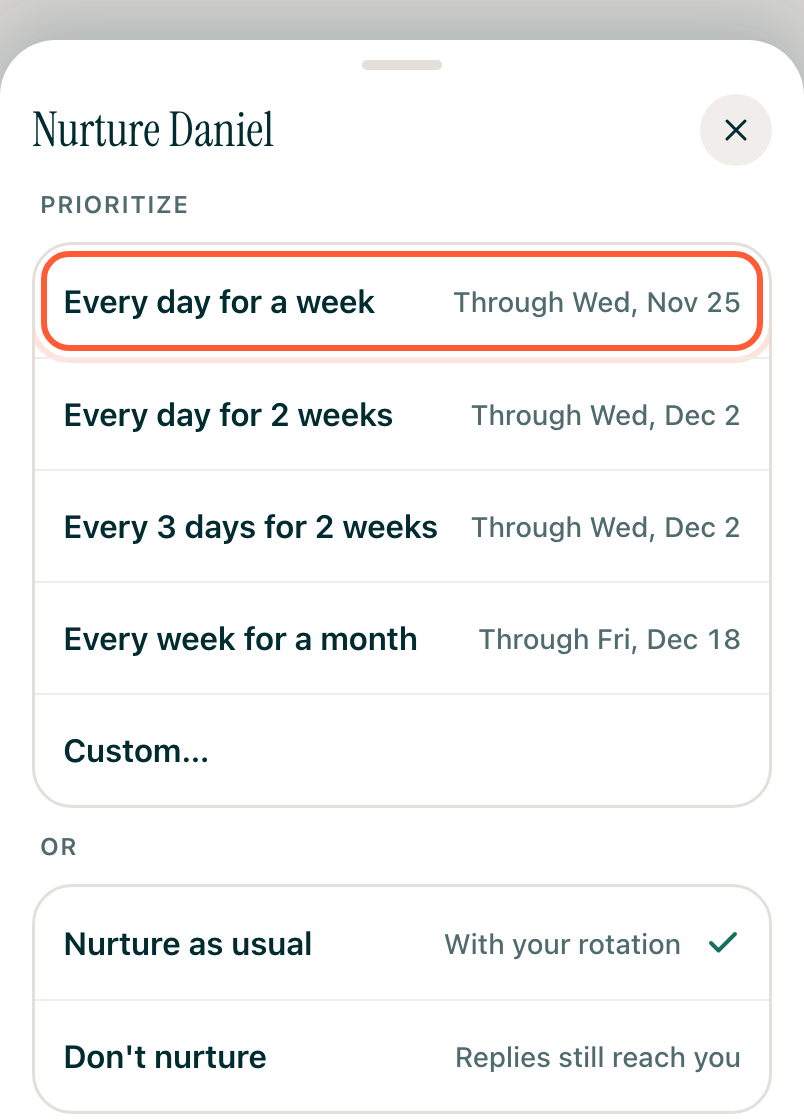
Need something different? Tap Custom…, choose how often and how long (up to a month), then tap Prioritize.
While it runs, their page shows Prioritizing with the days left, and their task in your deck says Priority nurture with a count like 3 of 6. Tap Prioritizing under their name to change it.
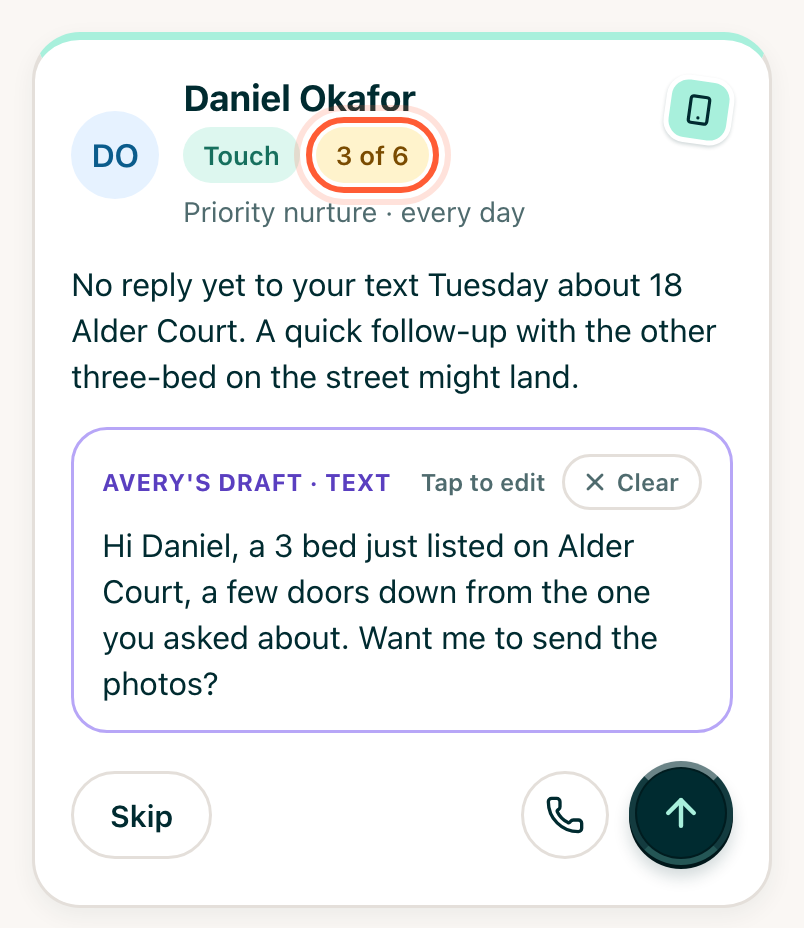
"Every day" means every day your deck is on. If your deck is off on Sundays, there's no task that day, and the end date stays the same.
Stop early
- Tap Nurture on their page, then Nurture as usual.
- Or tap Skip on their task, then Stop prioritizing. A plain skip only skips that day.
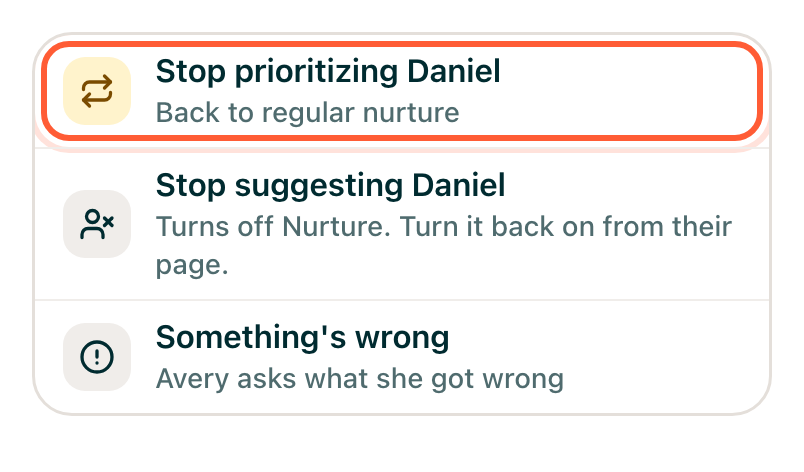
When they reply, they stay prioritized. Avery asks you once in Ask Avery whether to keep going. Tap Back to regular to stop, or ignore it to keep going.
Prioritize new leads on their own
Tap your initials at the top of Tasks (or More, then Settings), then Deck settings, then Prioritize new leads. New leads from Zillow, Realtor.com, Homes.com and your website start prioritized the way you pick.
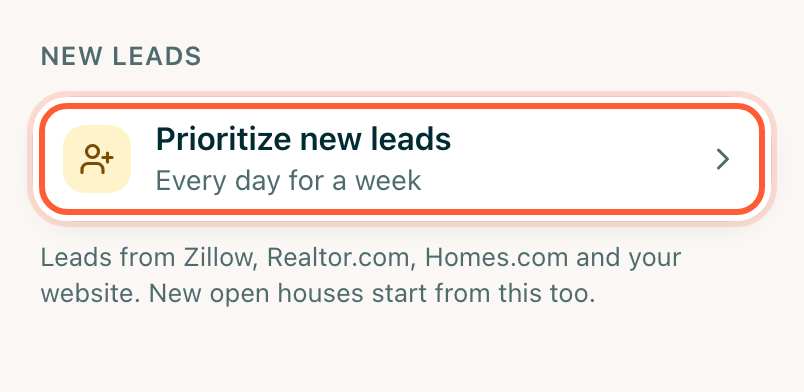
Each open house has its own choice too. On the open house form, tap Prioritize new visitors under Sign-in questions. It covers people new to AveryIQ who sign in from then on.
Avery never prioritizes someone working with another real estate agent, or someone you've stopped nurturing.
Stop nurturing someone
Tap Nurture, then Don't nurture. Avery stops bringing them up in your deck, and their texts and emails still reach you. Your emails to many people are a separate switch: Group emails, right under Nurture.