Merge duplicate contacts
When AveryIQ finds two records that might be the same person, it lists them under People. Tap Same person to merge them into one, history and all, or Different people to keep both.
When the same person ends up in AveryIQ twice, like "Daniel Okafor" with a phone number from an import and "Daniel Okafor" with an email from an open house, Avery merges them on her own only when a phone or email matches and the names agree. Anything less certain waits for you under People, in a row like 3 possible duplicates. Tap it, then Same person to merge a pair or Different people to keep both.
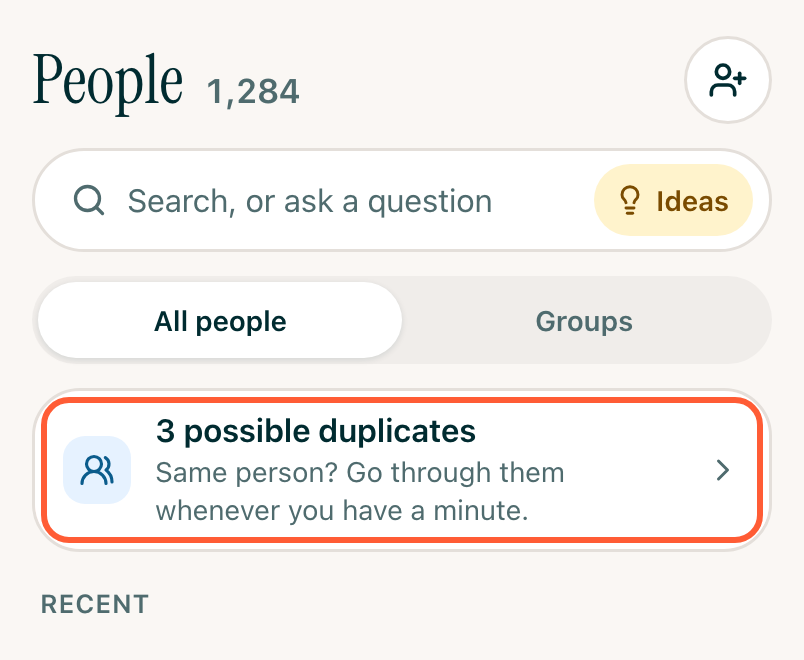
Step 1Open the list
Open People. If there's anything to check, possible duplicates shows above Recent. Tap it. Possible duplicates shows each pair side by side, with how many are left at the top.
Each pair says why Avery asks, like They share a phone number, but the names differ. or Same name, but no phone or email in common. Tap either side to open that person's page and check their history first.
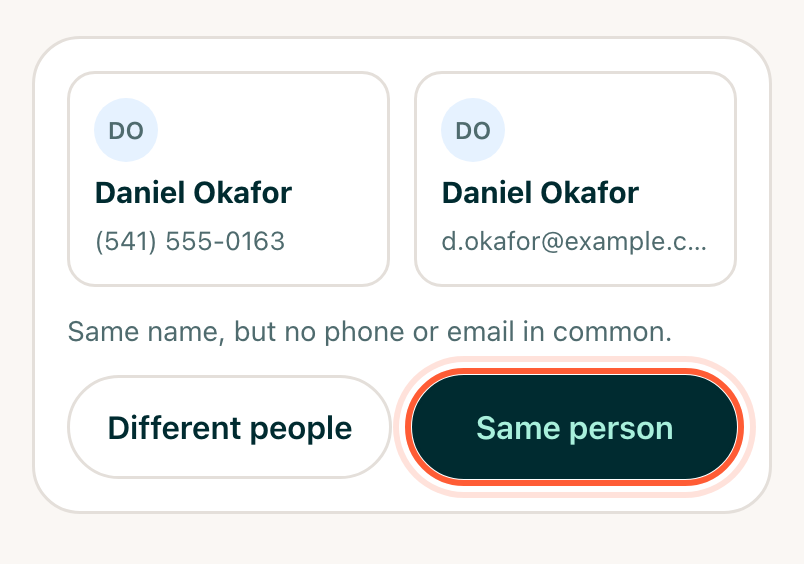
Step 2Answer each pair
- Same person: AveryIQ asks, like "Merge into Daniel Okafor?" Tap Merge. Their phones, emails, notes, conversations, tasks, deals and history all move to that one record. Tap Keep it if you change your mind.
- Different people: Avery never asks about these two again. Kept as different people shows with Undo.
The list says No duplicates left when you're done. It fills up again only when Avery finds a new possible match.
Merge two people Avery didn't list
Ask Avery in Ask Avery, like "Merge Dan Okafor into Daniel Okafor." She names what moves and asks you to confirm before she merges.
Adding a number to someone also brings in a contact that's only that number. On their page, tap Edit, type the number under Add a phone and tap Save. AveryIQ says Your history with (541) 555-0187 is now on Daniel.
When you'd use it
- After importing from your phone and from your old CRM, go through the list over coffee.
- A husband and wife share one email. Avery lists them as a possible pair; tap Different people, since couples often share one.
Can I undo a merge?
No. A merge can't be undone, which is why AveryIQ asks you to confirm. If you're not sure, open both pages first, or tap Different people for now and merge later from Ask Avery.
Why not just delete the copy?
Deleting throws away that record's texts, notes and history. Merging keeps everything on one page. See Delete someone.