Add a property and see what's happening there
Properties in AveryIQ are the homes you work with. Add one by its address, and its page shows its open houses and visitors, the people connected to it, its deals, files and history.
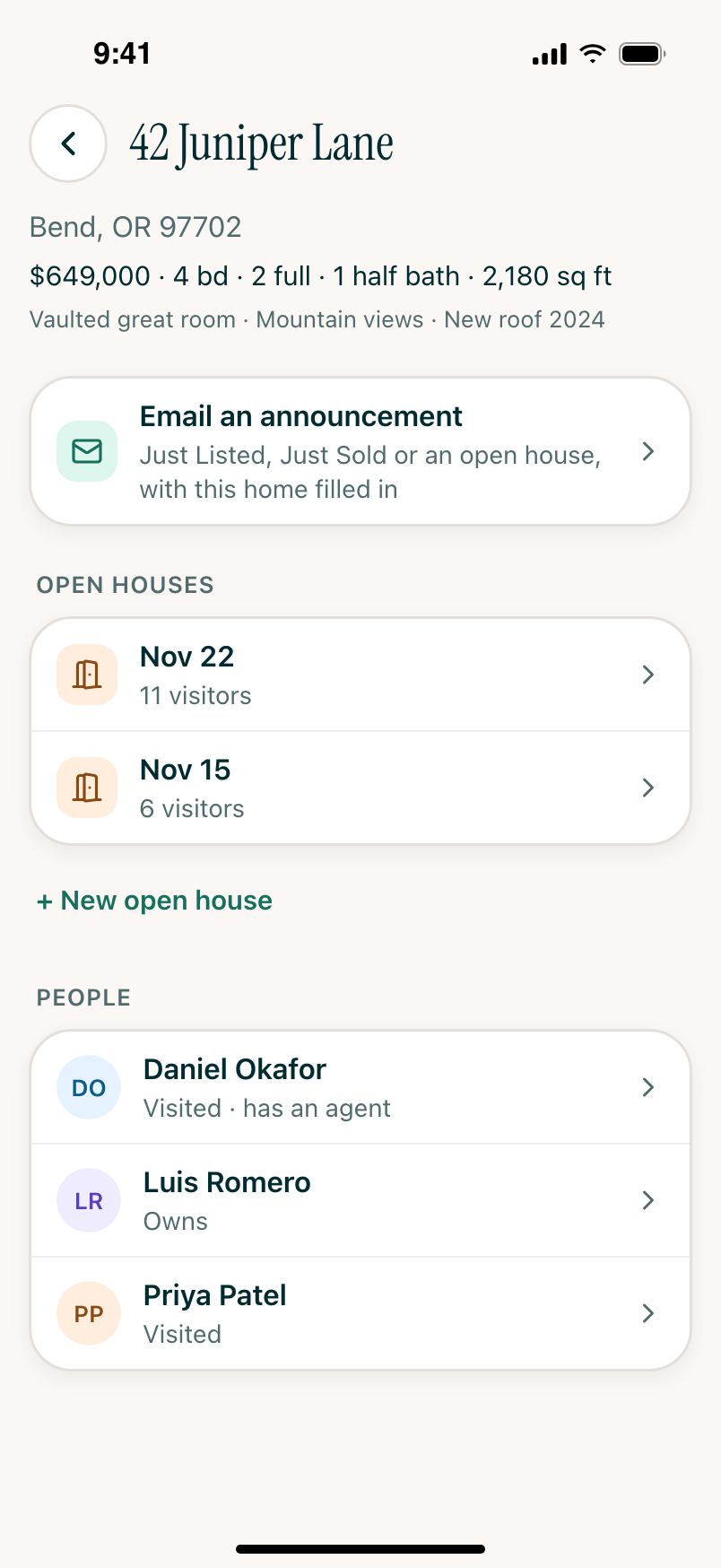
A property is a home in AveryIQ: a listing, a client's house, a rental. Its page answers "what's happening at 42 Juniper?": its open houses and who came, the people tied to it, its deals, files and history. Find every home under More, then Properties.
Add a property
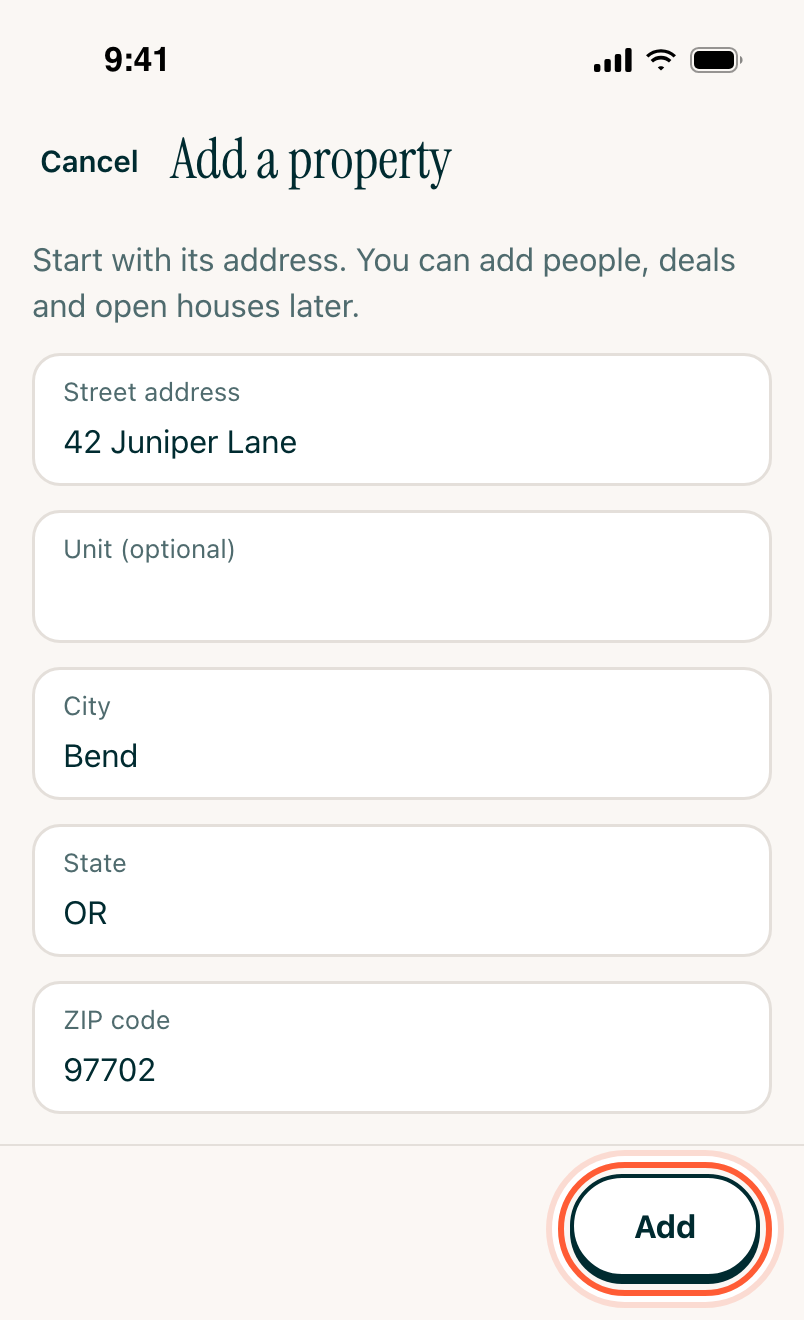
- Go to More, then Properties, and tap Add a property.
- Start typing the street address and pick it from the list. AveryIQ fills in the city, state and ZIP code.
- Add a unit or apartment number under Unit (optional) if it has one.
- Tap Add. The home's page opens.
If it says That property is already in AveryIQ., tap Open existing property. Each address is in AveryIQ once, shared by the whole team.
Most homes get added on their own: when you create an open house, and when Avery learns where someone lives or what they own.
Find a home
On Properties, search by street, city or ZIP. Each home shows its price, how many people and deals it has, and Open house open for sign-ins while one is running.
What's on a home's page?
- Details: the price, beds, baths, square feet and highlights.
- Email an announcement: a Just Listed, Just Sold or open house email with this home filled in. See Feature a listing in an email.
- Open houses: each one with its visitor count. Tap + New open house to host one here, with the details already filled in.
- People: everyone connected to it and how, like Owns, Visited or Interested, with "has an agent" when they work with another real estate agent. Tap someone to open their page.
- Deals: the deals for this home and their stage.
- Files: the listing sheet and other files kept on the home.
- Notes and History: what Avery and your team have learned and changed.
How do I change a home's price or details?
Open one of its open houses, tap Edit, change the price, beds, baths or highlights, and tap Save. That updates the home itself. Or tell Avery, like "The price on 42 Juniper dropped to $629,000."
Delete a home
At the bottom of its page, tap Delete this home. AveryIQ shows what goes with it (its open houses, visitor sign-ins and files) before you tap Delete. The people stay. This can't be undone.
When you'd use it
- You're meeting sellers about listing their home next month. Add the property now so their deal and your notes have a place to live.
- A buyer asks how Sunday's open house went. Open the home and see all eleven visitors and who works with another real estate agent.
- A past client asks what's happening at their old house. Search the street under Properties.
Does a property need a deal?
No. A home can have open houses and people without a deal. Link it to a deal from the deal's details with Link a home. See Start and track a deal.