Change your deck settings
Choose how many minutes your AveryIQ deck takes each morning, which days and what time it's ready, who Avery picks from, whether new leads are prioritized, and whether birthdays and home anniversaries come up.
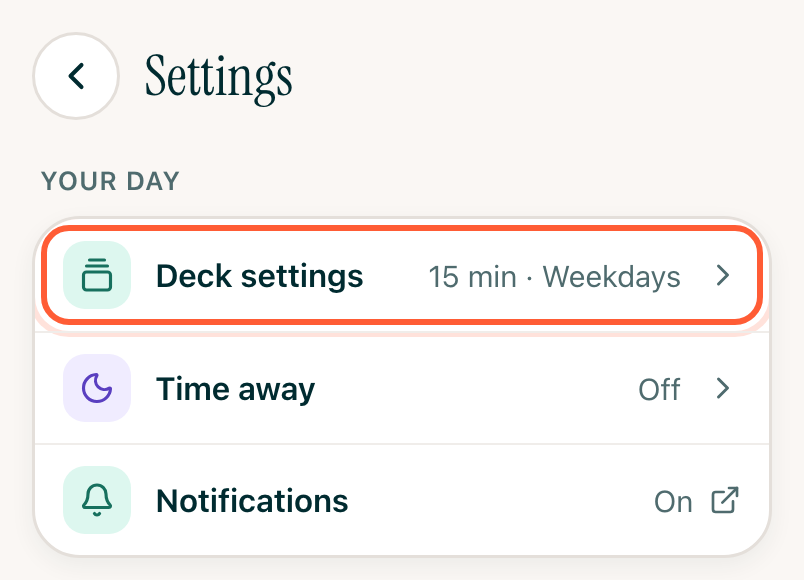
Deck settings decide how big your morning deck is, who's in it and when it's ready. To get there, tap your initials at the top of Tasks (or More, then Settings), then Deck settings. Each change saves as you make it, and only changes your own deck, not your teammates'.
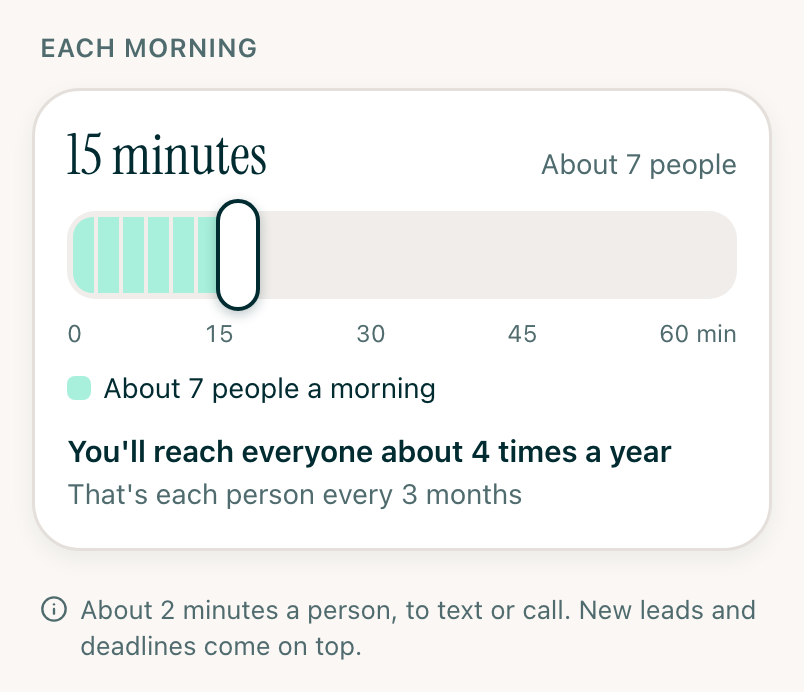
Each morning: how many minutes
Drag the bar to set how long Avery's picks take, from 5 to 60 minutes. Above it you see about how many people that is (about 2 minutes each, to text or call), and how often that reaches everyone in your database, like You'll reach everyone about 4 times a year. New leads and deadlines come on top of these minutes.
Nurture rotation: who Avery picks from
- Everyone: everyone you keep in touch with, starting with whoever you haven't talked to the longest.
- Groups: only the groups you choose, through a date up to 30 days out. Then it's everyone again. Birthdays, anniversaries, new people and upcoming moves still come first.
- Off: only birthdays, anniversaries, new people and upcoming moves. Leads and replies still come.
New leads
Prioritize new leads sets how often new leads from Zillow, Realtor.com, Homes.com and your website come up at first, like Every day for a week, or Don't prioritize. See Follow up with a new lead every day.
Special days
Turn off Birthdays or Home anniversaries if you don't want those cards. They're on by default and come on top of your minutes.
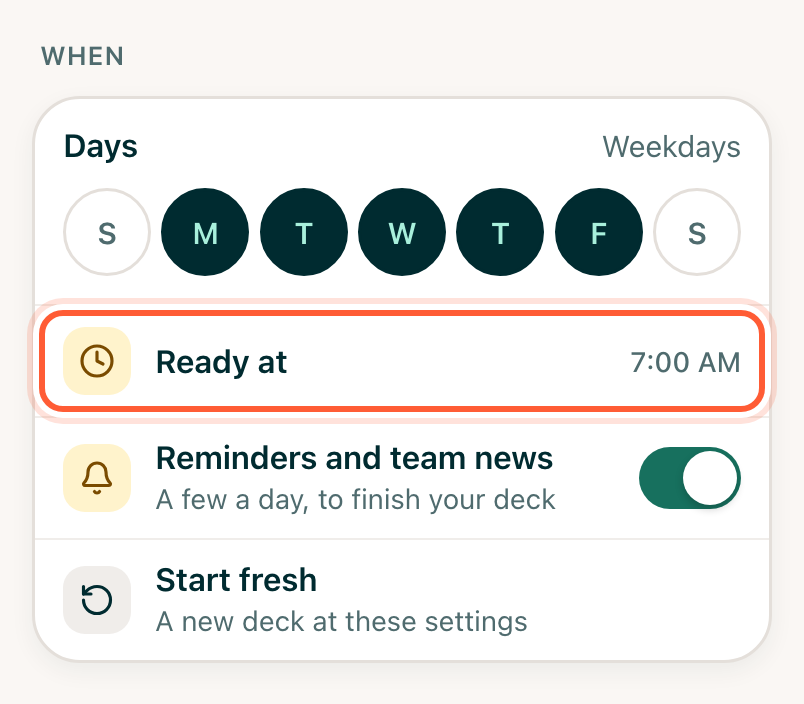
When
- Days: tap the letters to choose which days you get a new deck.
- Ready at: the time your deck is ready each morning. Tap it, pick a time, and tap Save.
- Reminders and team news: a few notifications a day to help you finish your deck, like who on your team cleared theirs.
- Start fresh: clears the cards you haven't acted on and deals a new deck at these settings. Snoozed cards, new leads, replies and follow-ups stay, and nobody loses their turn.
Ask Avery to change it
In Ask Avery, say "Make my deck 20 minutes" or "Only focus on my past clients group until the end of the month." She changes the setting for you.
When you'd use it
- Listing season is busy: drop to 10 minutes so the deck stays doable.
- Planning a past-client party: pick Groups and your past clients group for two weeks, so you talk to all of them first.
- You work Saturdays and take Mondays off: under Days, turn Saturday on and Monday off.
What if my deck is too big?
Lower the minutes, then tap Start fresh for a smaller deck today. Going away for a while? Use Time away instead of turning days off. It pauses your deck and hands your leads to a teammate.