Invite your team
Add teammates by email so you share one database, one set of deck cards and every deal conversation.
Everyone on your team works from the same contacts, deck cards and deal conversations, so leads don't get lost between teammates. Solo? Skip this.
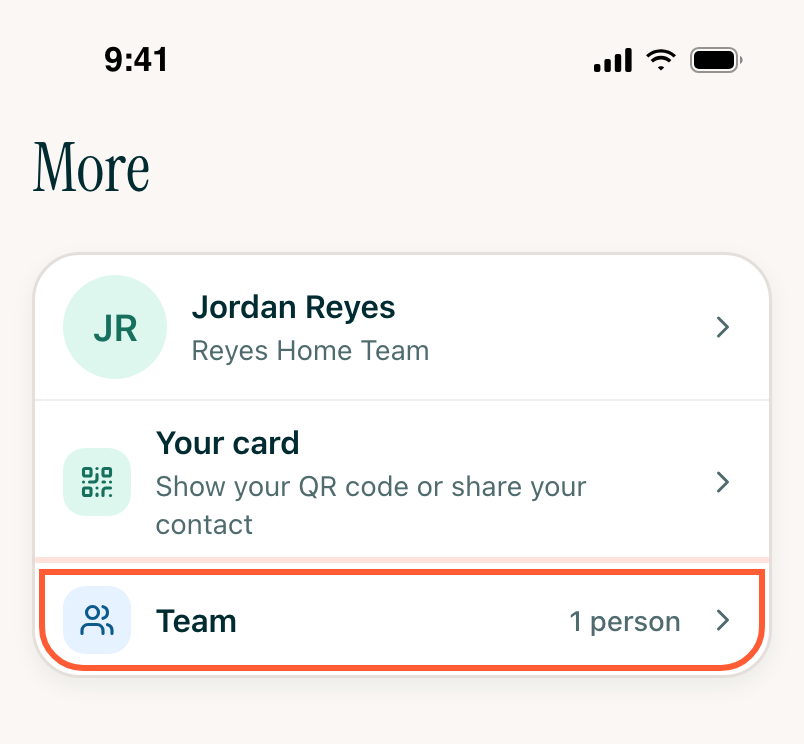
Step 1Open Team
Tap More, then Team.
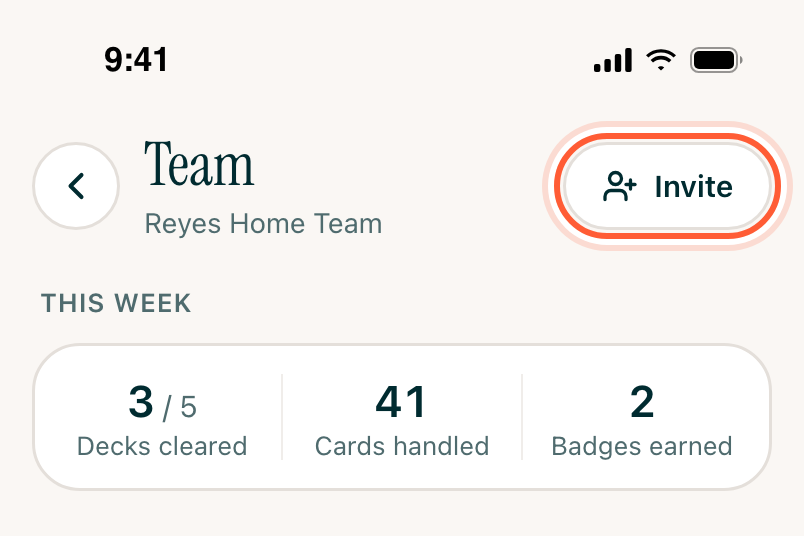
Step 2Send the invitation
Tap Invite at the top. Only team owners see it.
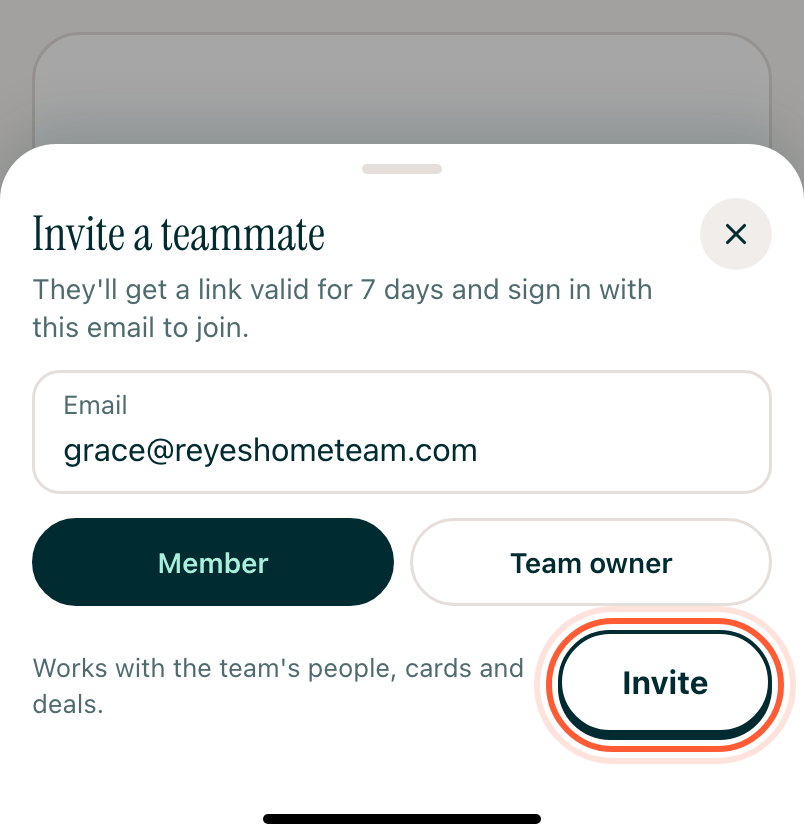
Enter your teammate's email. Leave Member picked, or pick Team owner if they should also invite people, manage roles and handle billing. Tap Invite.
Step 3They join
They get an email from AveryIQ with a link to join your team. They sign in with the email you invited, then add their name and mobile number. Or they can install the app and sign in with that email: the invitation is waiting. The link works for 7 days.
Until they join, they're listed under Invited on the Team screen. Tap their email to Resend invitation or Revoke invitation.