Welcome - Getting Started
Welcome to AveryIQ. Your resident portal is the place to stay connected with your property team and manage common tasks in one place.
First Steps
Before you can log into the resident portal, you must either be invited to the system through an invite link, or have an account created for you by your property management organization. You must sign in using the same email address that your property manager used to create your account.
- Accept your invite and sign in to your resident portal
- Confirm your contact information is correct
- Review any messages, announcements, or shared documents
- Explore the sections available to you for payments, maintenance, and communication
How to Sign In
- Open the resident portal sign-in page and enter the same email address your property manager used to invite you or create your account. After checking your spam folder, if you still do not receive an email, it is likely that you do not have a valid account yet
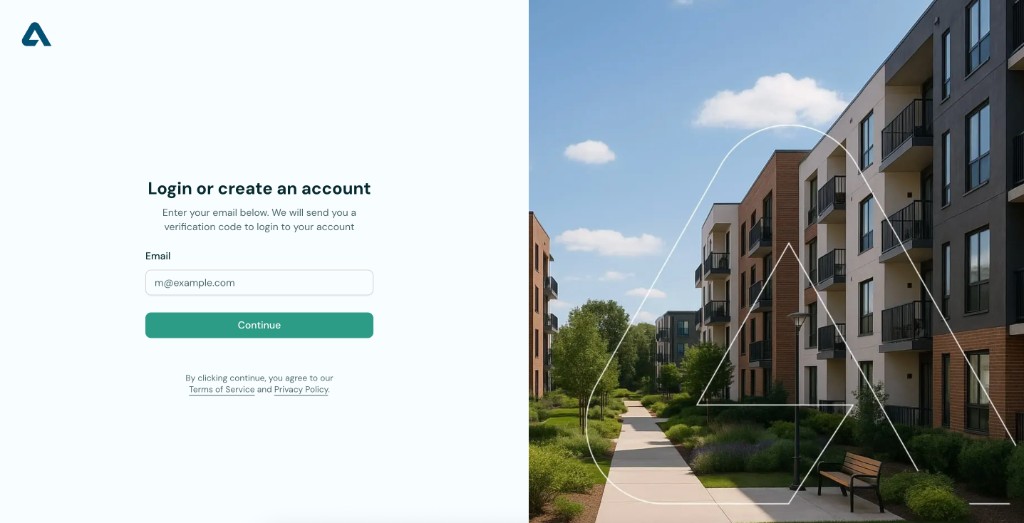
- Select Continue. AveryIQ will send a six-digit verification code to your inbox.
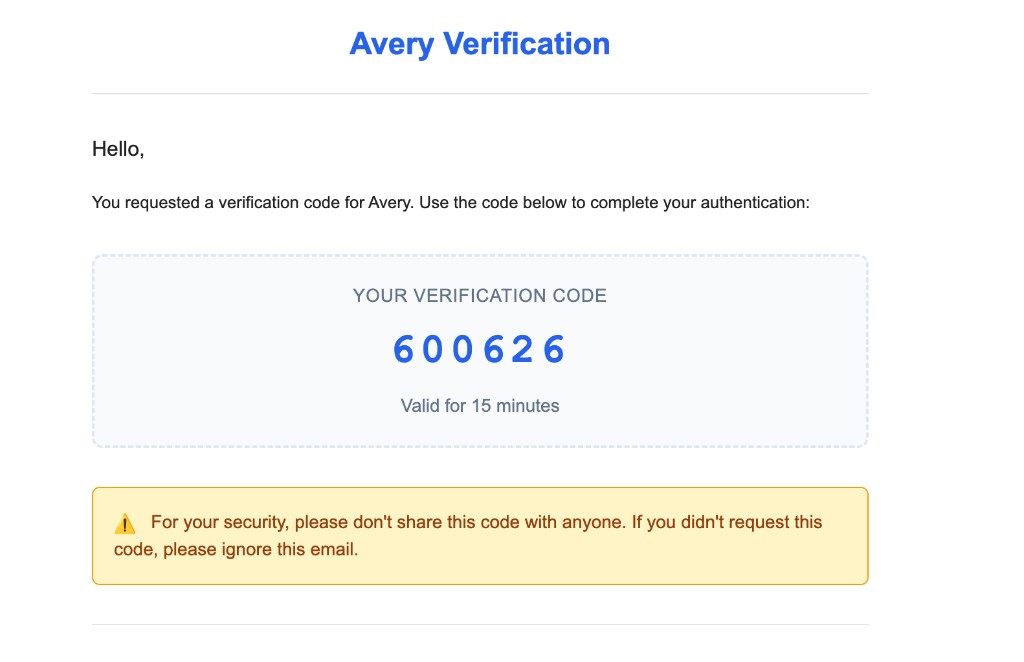
- Return to the resident portal, enter the verification code, and select Verify Code to finish signing in.
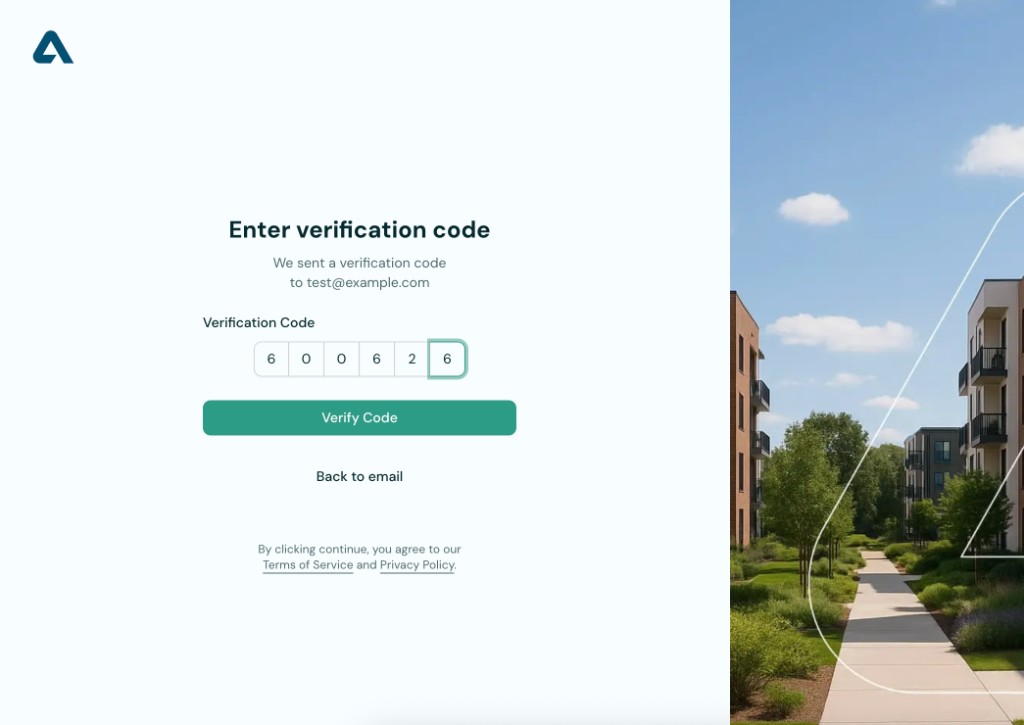
If you do not receive the verification email right away, check your spam or junk folder and make sure you entered the same email address your property manager has on file.
What You Can Do in the Portal
- View important updates from your property team
- Check your balance and rent-related information
- Submit maintenance requests and follow their status
- Keep your profile and contact details up to date
Tips for a Smooth Start
- Use an email address and phone number you check regularly
- Turn on notifications if your community uses them for updates
- Take a few minutes to look through the portal before you need help with something urgent
Need Help?
If you are having trouble accessing your account or cannot find what you need, contact your property team for assistance.