Get Started with AveryIQ Accounting
AveryIQ keeps property accounting, payments, expenses, bank activity, and financial reports in one double-entry ledger. Start with the path that matches how your organization operates today.
Choose Your Starting Point
| Your situation | What to do |
|---|---|
| You are starting completely new books with no balances to carry forward | Add your real-world financial accounts. You do not need an opening-balance import. |
| You are moving resident, owner, bank, cash, or card balances from another system | Add and classify every financial account, then use the guided starting-balance workflow. |
| Your accountant has prepared a balanced opening balance or trial balance | Add the financial accounts, then use the accountant import. |
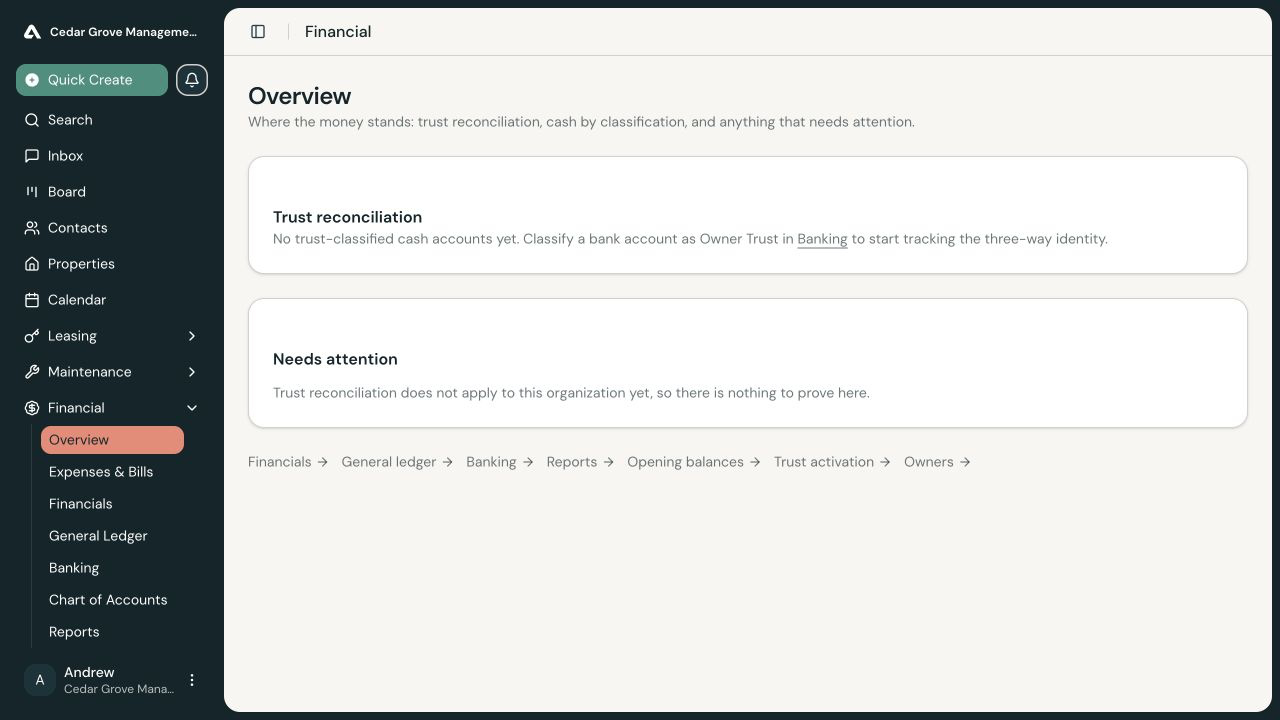
| You hold rent, owner funds, resident credits, or security deposits in trust | Add and classify the trust accounts, bring in the opening custody balances, clear the readiness checklist, and deliberately activate trust accounting. |
| Your opening position is already correct and you are ready for ongoing activity | Import bank transactions, review what each transaction means, and reconcile each statement period. |
Understand the Setup Sequence
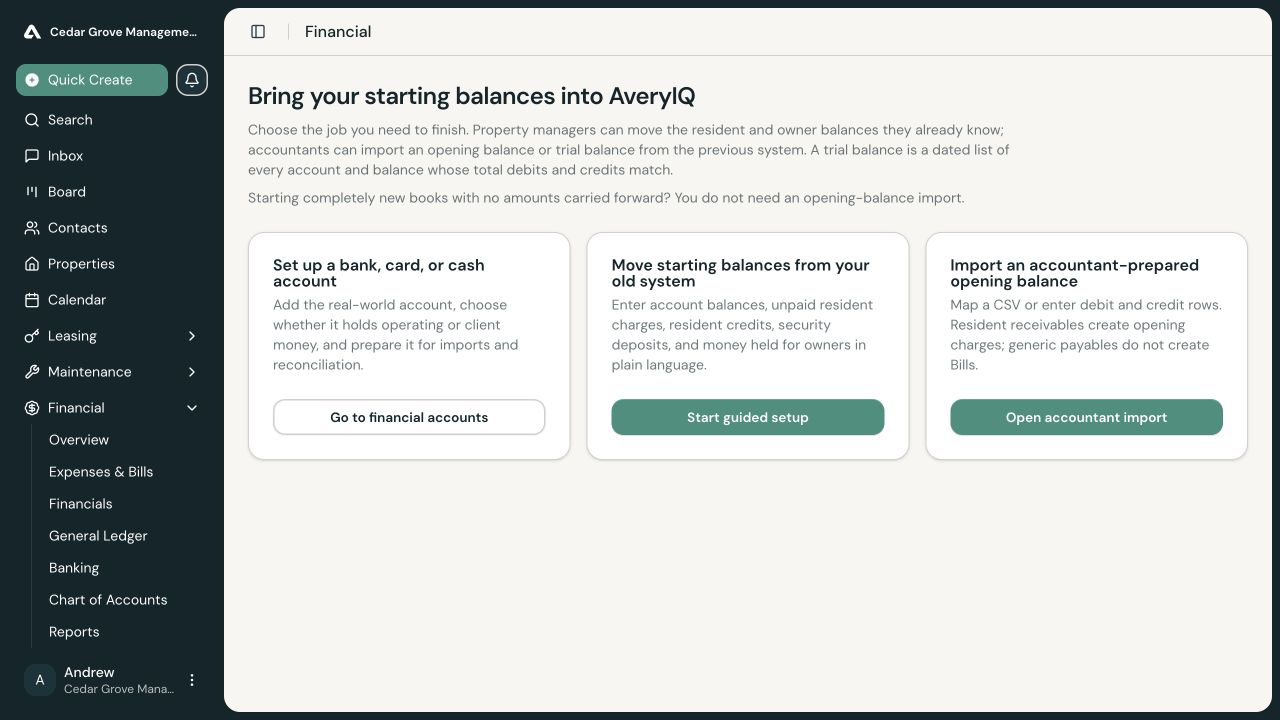
- Add a Financial Account for every bank, credit-card, or cash account you use.
- If you are carrying balances forward, choose one opening-balance path:
- Move Starting Resident and Owner Balances for a guided, plain-language setup.
- Import an Accountant-Prepared Opening Balance for balanced debit and credit rows.
- If you hold client money, follow Activate Trust Accounting after resolving every readiness item AveryIQ identifies.
- Use Import and Reconcile Bank Transactions for ongoing statement activity.
Starting Fresh
If no previous accounting system has balances that AveryIQ needs to carry forward, add your financial accounts and begin recording new activity. Do not create zero-dollar opening rows merely to mark setup complete.
Moving from Another System
Choose a go-live date before entering starting balances. That is the first day AveryIQ will record new financial activity. Use the closing balances from the previous day so the same activity is not recorded in both systems.
Complete the opening import before ordinary activity begins in AveryIQ whenever possible. The guided workflow blocks an import after ordinary ledger activity exists because adding old balances to live books can duplicate money, charges, or obligations.
How Corrections Work
Posted accounting entries are not overwritten. If an opening import is wrong, reverse the complete import and post a corrected replacement. This preserves the original entry, correction reason, and replacement history.
Access and Approvals
Some financial setup actions require Accounting Admin access or may be sent for approval under your organization’s policies. If a control is read-only or an action is parked for approval, ask an accounting administrator to review it.